Onlook OGS
Designers

Design the front-end, model the back-end, plan the work.
Three kinds of project, each with AI built in.
Onlook is optimized for larger screens
index.html · Desktop
V
Brutalist lair decor
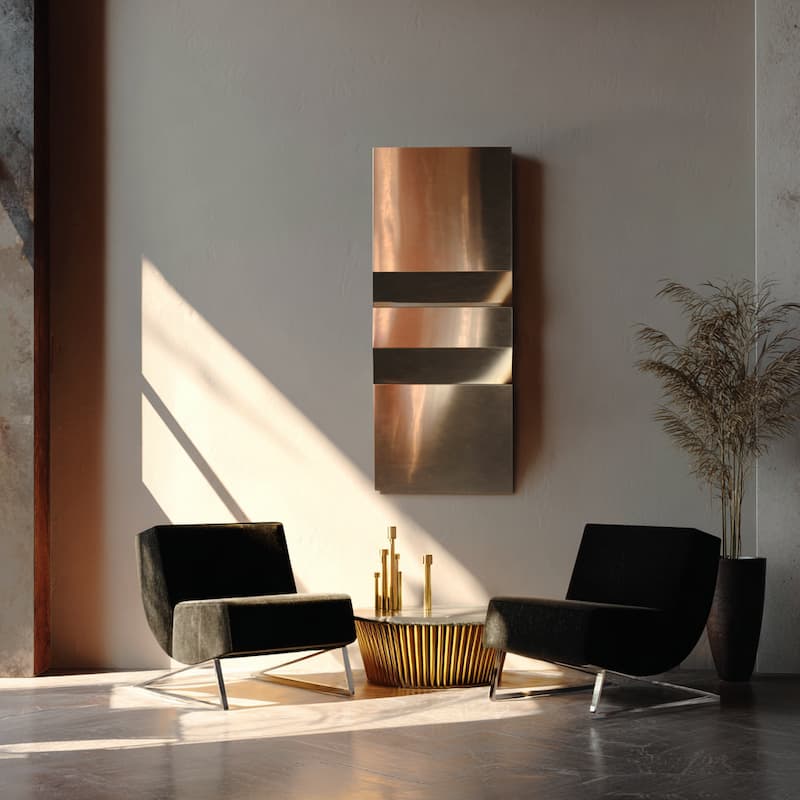
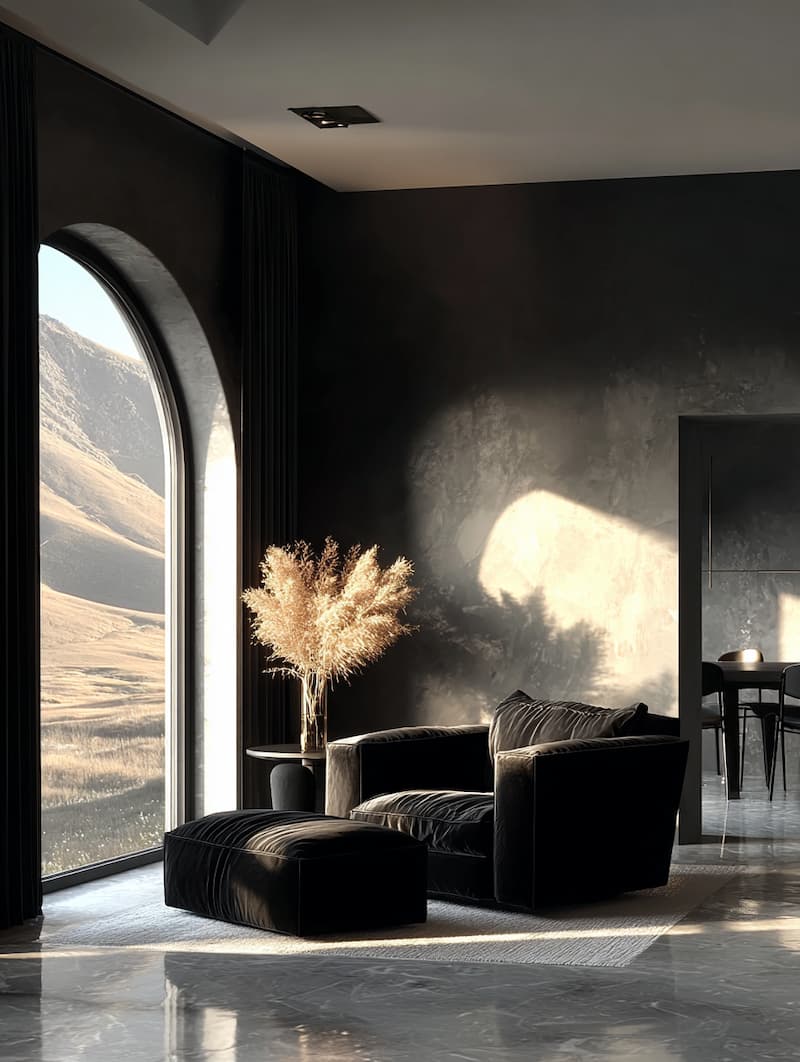
Minimalist Interior with Dramatic Lighting
Minimalist Interior with Dramatic Lighting

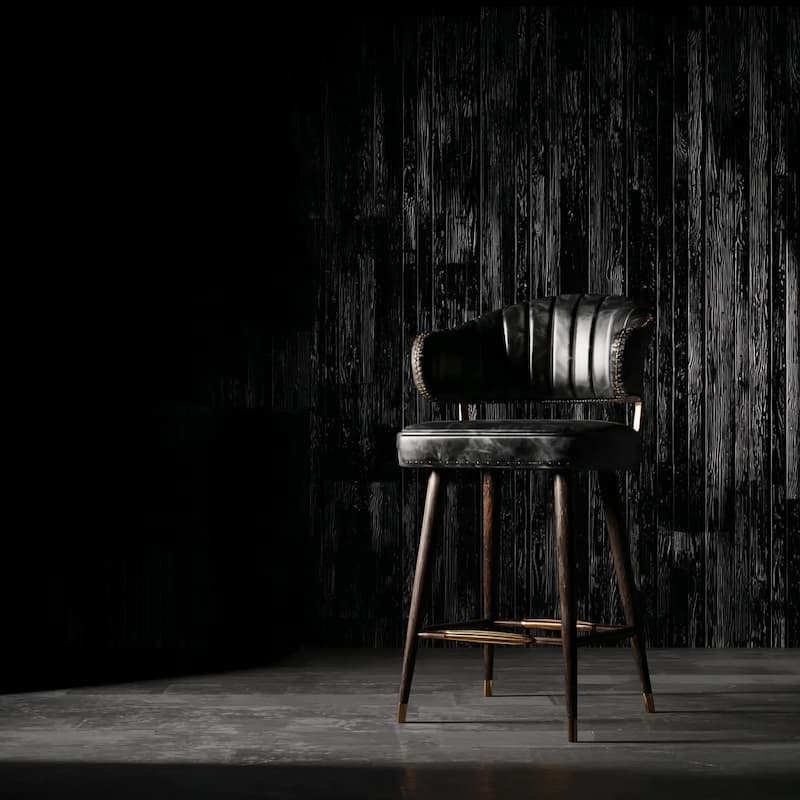
Black Leather Bar Stool

Black Leather Bar Stool with Brass Accents
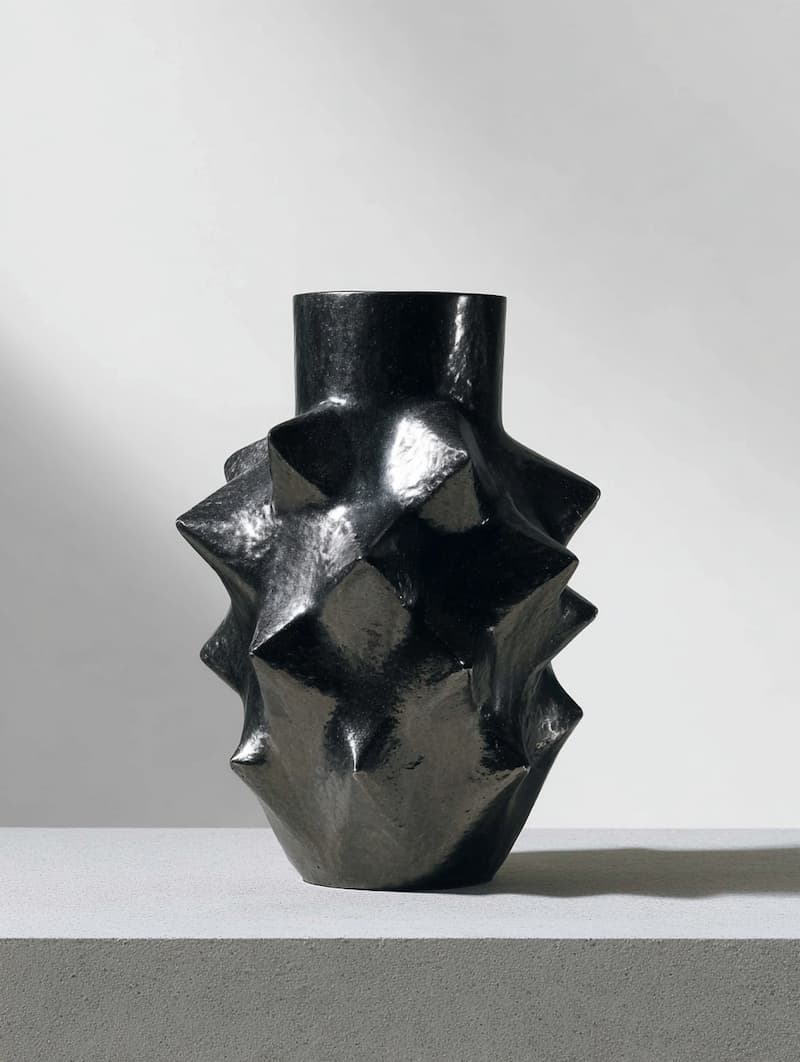
Spikey Ceramic Iron Metal

Spikey Ceramic Iron Metal Sculpture

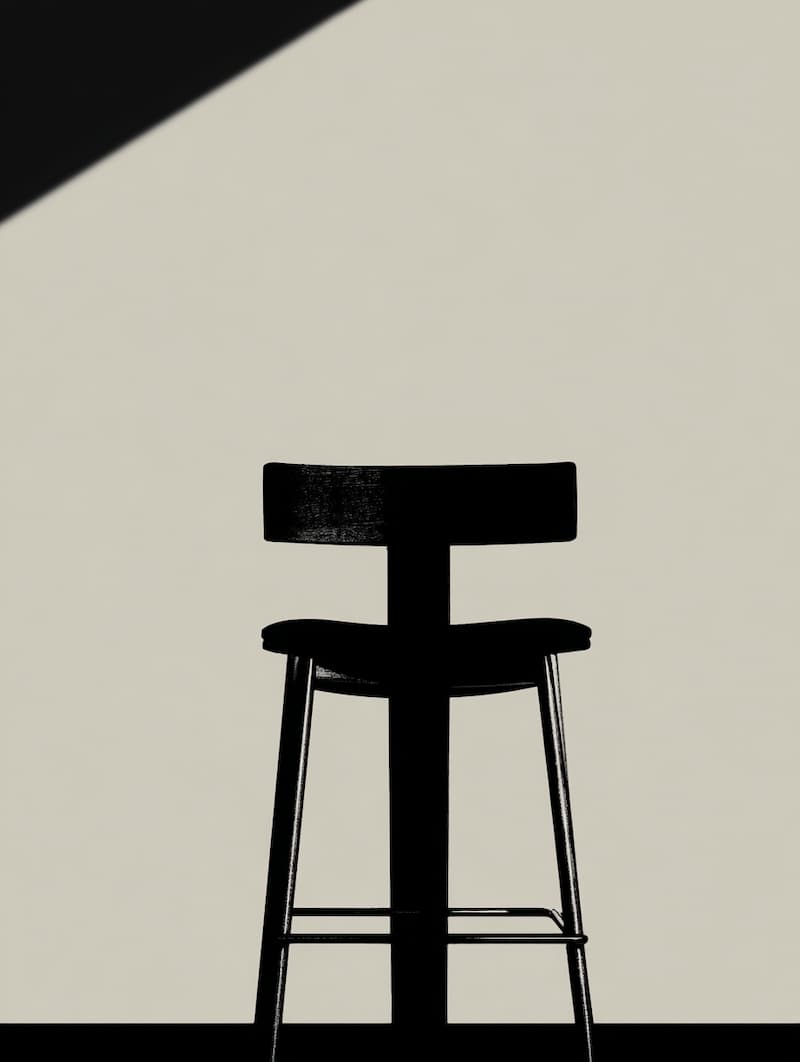
Black Bar Stool Silhouette

Black Bar Stool Silhouette Design

Ceramic Brutalist Objects

Ceramic Brutalist Objects with Spikes

Brutalist Dark Glass Vase

Brutalist Dark Glass Vase Sculpture

Golden Muted Interior

Golden Muted Interior with Sharp Lines
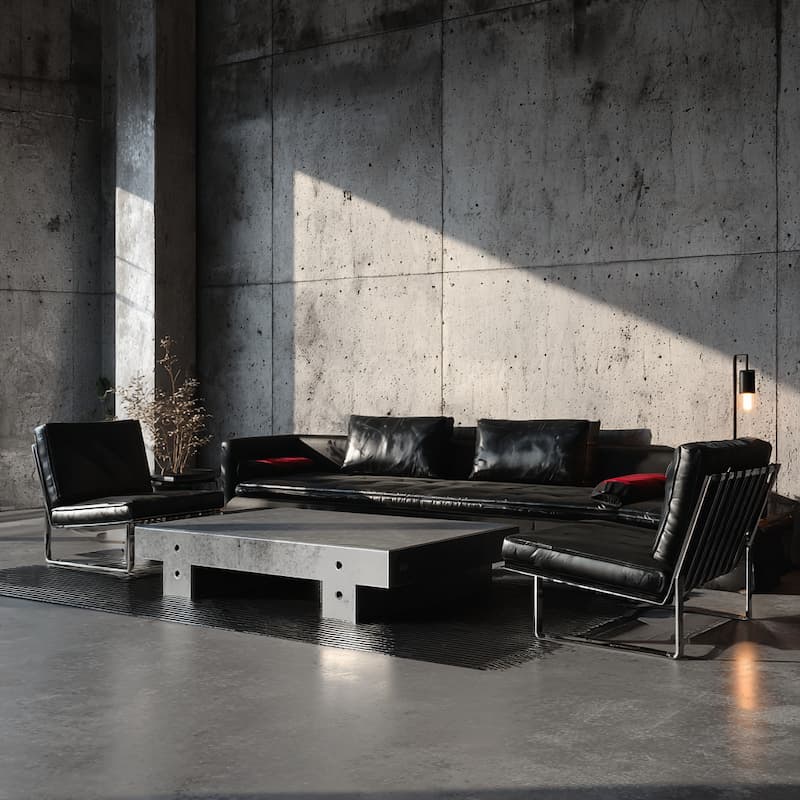
Contemporary Brutalist Interior

Contemporary Brutalist Interior Design
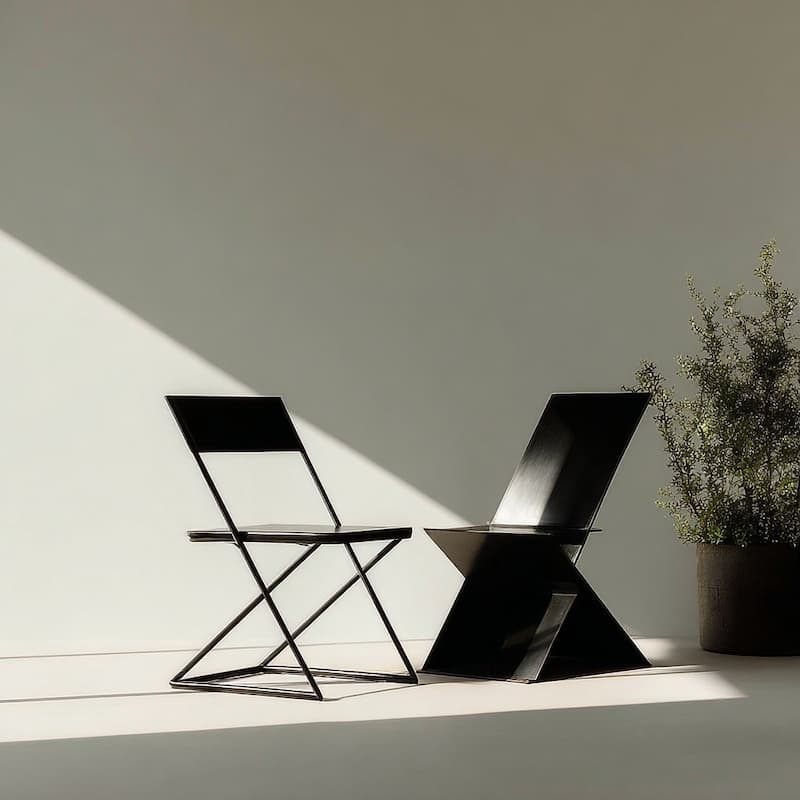
Minimalist Zig-Zag Chairs

Minimalist Zig-Zag Chair Design

Minimalist Metallic Sheer

Minimalist Metallic Sheer Design

Lounge Chair Against Wall

Lounge Chair Against Clean Wall

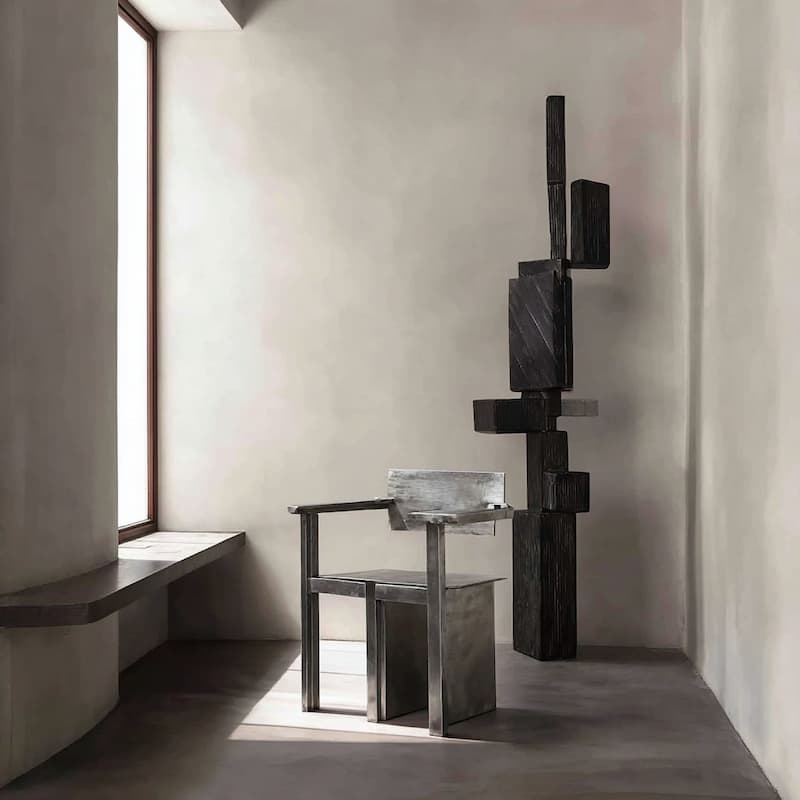
Metallic Chair with Brutalist Design
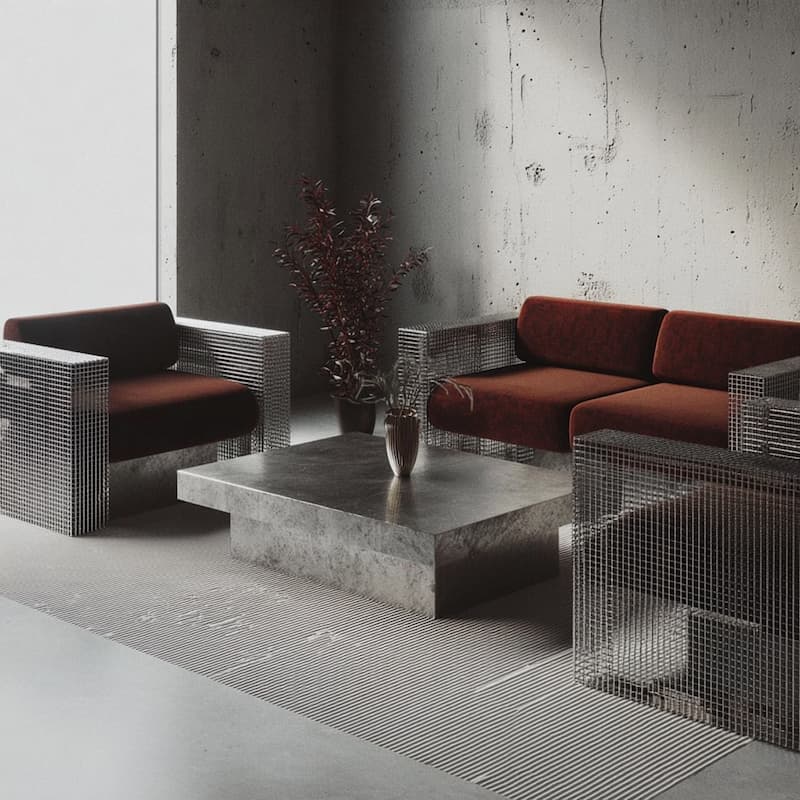
Metallic Chair with Brutalist Design

Living Room with Metal Furniture

Living Room with Metal Furniture Design

Metallic Brushed Metal Chair

Metallic Brushed Metal Chair Design

Black Leather Furniture

Black Leather Furniture Design

figure · 113 × 150
M
Mai · 2m
Can the captions sit a little lower on mobile?
Mobile
V
Brutalist lair decor
Minimalist Interior with Dramatic Lighting

Minimalist Interior with Dramatic Lighting

Black Leather Bar Stool

Black Leather Bar Stool with Brass Accents

Black Bar Stool Silhouette

Black Bar Stool Silhouette Design

Ceramic Brutalist Objects

Ceramic Brutalist Objects with Spikes

Brutalist Dark Glass Vase

Brutalist Dark Glass Vase Sculpture

Golden Muted Interior

Golden Muted Interior with Sharp Lines

Contemporary Brutalist Interior

Contemporary Brutalist Interior Design

Minimalist Zig-Zag Chairs

Minimalist Zig-Zag Chair Design

Minimalist Metallic Sheer

Minimalist Metallic Sheer Design

Lounge Chair Against Wall

Lounge Chair Against Clean Wall

Spikey Ceramic Iron Metal

Spikey Ceramic Iron Metal Sculpture

Metallic Chair with Brutalist Design

Metallic Chair with Brutalist Design

Living Room with Metal Furniture

Living Room with Metal Furniture Design

Metallic Brushed Metal Chair

Metallic Brushed Metal Chair Design

Vibe GalleryFront-End
DesignCodeSitemapPreviewComment
MK
SharePublish
Layersindex.html
Body
Header
Logo
Search Form
Search Input
User Button
Main
Sidebar
Nav
Image Grid
Image Columns
Image Card 1
Image
Caption
Image Card 2
Image
Caption
Image Card 3
Image
Caption
Image Card 4
Image
Footer
Links
ChatDesign
The image grid breaks on phones — make it two columns and keep the captions readable.
Switching the grid to two columns below 640px and bumping the caption size. Everything stays in your styles.css tokens.
Edit index.html
Edit styles.css
Add a gallery page that matches the home page
Build
  • Click any element and restyle it
  • Layers, pages and a sitemap of every link
  • AI that writes into your own files
  • Publish to a link or your own domain

Three projects.
One workspace.

Plan it on a board, model its data, design its pages. Each project opens in an editor built for that job, with its own AI and your team beside you.

01Front-End Design

Design the site people will actually visit.

Start blank or upload the HTML you already have. Every change on the canvas is written into plain .html and .css files, so what you see is what ships.

Visual editing
Select, drag, resize and restyle any element of the real page.
AI chat
Describe a change. AI edits your files and keeps to your brand tokens.
Sitemap
See how every page links to the others, drawn from the files themselves.
Brand & templates
Colours, fonts and ready-made sections that already match.
Import HTML
Bring a .html file or a .zip of a static site and edit it as it is.
Publish & export
A preview link, your own domain, or the files to host anywhere.
Start a Front-End Design project
Sitemap6 pages · 5 links
Home/
Menu/menu.html
About/about.html
Contact/contact.html
Latte/menu/latte.html
Jobs/jobs.html
02Back-End Design

Model the data behind it, and query it for real.

Draw a PostgreSQL schema as an ER diagram, fill it with sample rows and run real SQL. Postgres runs in your browser, so there is nothing to install.

ER diagram
Tables, columns, keys and relations, arranged on a canvas.
Run real SQL
Scripts run against a real PostgreSQL engine, right in the page.
Sample data
Edit rows in a grid, or let AI seed believable data for you.
AI that writes SQL
Ask for a change: it applies the SQL, explains it and saves a version.
Versions & diffs
Save versions of a schema and compare what changed between them.
Export
A full SQL script, the data alone, or the diagram as PNG, SVG or PDF.
Start a Back-End Design project
Compare versionsOrders v2 → Add reviews
+create table reviews (
+ id int8 primary key,
+ product_id int8 references products(id),
+ user_id uuid references users(id),
+ rating int2 check (rating between 1 and 5)
+);
alter table orders
- add column note varchar(80);
+ add column note text;
reviews20 rows seeded by AI
idproductrating
1Cold brew★★★★★
2Thai tea latte★★★★★
3Butter croissant★★★★★
4Matcha★★★★★
03Planning Board

Plan the product before anyone builds it.

Lay out the brief, the people it is for and the journeys they take. Then turn it into requirements, tasks and a schedule, on one board the whole team edits live.

Infinite canvas
Stickies, sections, personas, stories, flows, tables and embeds.
Requirements
What the product must do, with an urgency, broken out into tasks.
Workflow
A kanban of every task, by stage, priority and owner.
Schedule
Tasks on a timeline and a calendar, with the meetings beside them.
Team & load
Skills, time off and holidays, and how much each person is carrying.
Dashboard & knowledge
Progress at a glance, and the docs the work is based on.
Start a Planning Board project
ScheduleSprint 3 · 5 weeks
Mar 10Mar 17Mar 24Mar 31Apr 7
Member database
Points rules API
Receipt scanner
Sign-up in 30s
Offline scan queue
Launch
Team load this week
Krit
90%
Nattaya
70%
Mai
45%
Front-End Design, up close

AI • Code • Design
Side-by-side-by-side

Canvas Manipulation

Drag, resize, and arrange elements directly on the canvas. The HTML is rewritten as you go — no build step in between.

Pages

Search pages
Homeindex.html
Aboutabout.html
Lairslairs/
Indexindex.html
Volcanovolcano.html
Pricingpricing.html
Contactcontact.html
Pages Are Files

Every page is a real .html file. index.html is /, about.html is /about — add one and the route exists.

Versions
Today
New typography and layout
Alessandro · 3h ago
Update colors
Jonathan · 10h ago
Added new background image
Sandra · 12h ago
Copy improvements and new branding
Jonathan · 3d ago
Yesterday
Site version preview
Revision history

Never lose your progress – revert when you need to

Design me an inventory tracker website for my Cafe
Absolutely! Let's start by getting the general layout in place with a top navigation bar and a main content area.
index.html
AI That Understands Context

Reference images, designs, and docs in chat. AI sees what you see — no more explaining from scratch.

Brand Colors

Slate
Gray
Zinc
Orange
Amber
Lime
Green

Brand Colors

Cyan
Blue
Indigo
Violet
Purple
Pink
Rose
Your Theme

Your palette, type and spacing live in styles.css. AI follows them on every edit. No drift, no off-brand pages.

Layers

Navigation Bar
Models
Exotic
Roadster
Terrestrial
Logo
Reserve
Header
Endorphins
In Motion
Order Now
Video
Section
Experience excellence
The feel of something more
Navigate Your Markup

See the HTML element tree of every page. Click any layer to select it on the canvas.

...and in
every project

Front-EndBack-EndPlanning Board
AI in Every Editor
Each editor has an AI of its own: one edits your HTML and CSS, one writes SQL and seeds rows, one drafts requirements and tasks from the brief.
Live Together
Boards and schemas update for everyone as changes are made. See who is on the board, and which table a teammate has open.
Comments
Pin a comment to an element of the page or a spot on the board. Reply, react, and resolve it when it is done.
Share by Invite
Invite people by email to edit, comment or just look. An invite link only works for the address it was made for.
Nothing Is Lost
Roll a site back to an earlier version, save and compare versions of a schema, and restore deleted board items from the trash for 30 days.
Export Anything
Site files to host anywhere, SQL scripts of a database, diagrams as PNG, SVG or PDF, and board selections as images or PDF.
Reference Anything in Chat
Drop images, mockups, or docs into the conversation. AI uses them as context for better results.
English & Thai
The whole app speaks both languages. Switch any time from your settings.
Power User Shortcuts
All your familiar hotkeys work here. CMD/CTRL+Z and everything in between.

One workspace for the teams
inside your company

Marketing
Put the campaign page together yourself. Edit the copy and the layout on the real page, then publish it without waiting for a sprint slot.
Design
Work in the page instead of a mockup of it. Every change lands in the actual HTML and CSS, so nothing gets lost on the way to handoff.
Product
Write the brief, the personas and the journeys on a Planning Board, then let AI turn them into requirements and tasks the whole team can see.
Engineering
Model the database as an ER diagram and run real SQL against it in Back-End Design. The sites everyone else edits stay ordinary HTML, CSS and JavaScript.
Brand
One set of colors, type and spacing across every internal page, so work from different teams still looks like it came from one company.
Project managers
Follow the work on the Workflow and the Schedule, see who is overloaded on the Team page, and read progress off the Dashboard.

Frequently
asked questions

Onlook is one workspace for building a product, with three kinds of project. Front-End Design edits a real HTML site on a live canvas. Back-End Design plans a PostgreSQL database as an ER diagram you can fill with rows and query. A Planning Board holds the brief, the requirements, the schedule and the work. Each one has its own AI.

Sign up, press New project and pick the kind you need: a Front-End Design (start from a blank site or upload the HTML you already have), a Back-End Design, or a Planning Board. You can have as many of each as you like.

Draw tables, columns, keys and relations as an ER diagram, fill the tables with sample rows and run real SQL against them. PostgreSQL runs right in your browser, so there is nothing to install. Save versions and compare them, and export a SQL script or the diagram as PNG, SVG or PDF.

Planning a product or a feature before it is built. Put stickies, personas, stories, journeys and flows on an infinite canvas, then use the Workspace pages for knowledge, requirements, the schedule, a kanban Workflow, your team and a dashboard. The board’s AI reads all of it and can draft requirements and tasks for you.

Traditional design tools create mockups that have to be rebuilt in code. In Onlook what you edit IS the site — styles, text and layout are saved straight into the .html and .css files your visitors will load.

A chat-only generator gives you code you have to read to review. Onlook puts the running page next to the chat, so you can click an element, adjust it by hand, undo, or roll back to an earlier version.

No. The canvas, layers panel, and style controls work like a design tool. The code editor is there when you want it, but you never have to open it.

Static HTML sites — plain .html, .css and .js files with no build step. Style with Tailwind through its browser build, or with your own CSS tokens in styles.css. Either way the colors and fonts are editable from the design panel.

Publish your site to a preview link, or connect your own custom domain. Publishing compiles the Tailwind utilities the site actually uses into a plain .css file, so what ships is ordinary static files. You can also export the whole site and host it anywhere.

Everything you make with Onlook is yours. A site is ordinary HTML, CSS and JavaScript with nothing locking it in, and a database design exports as a plain SQL script. Export either at any time.

Plan it, model it, design it.
One workspace, three projects.