Onlook AI Visual Editor: Build UIs with AI Using Your Design System
Onlook is an AI-powered visual editor for static websites. It edits the real .html and .css files your site is made of. Unlike generic AI code generators, Onlook holds AI to your design tokens, so new pages match the ones you already have.
Key AI Features
- AI constrained to your theme — the tokens in styles.css
- Visual canvas with real code running underneath
- Plain HTML, CSS and JavaScript — no build step, no bundler
- Tailwind through its browser build, or plain CSS with your own tokens
- Reusable partials for a shared nav, footer or card
- Code you own — every change is written to real files in your project
- Full version history
- No coding required for designers
AI Design Tools for Static Websites
Build Websites with AI That Edits Your Real HTML
Onlook's AI doesn't just generate code—it reads the pages you already have, follows your design tokens and Tailwind classes, and writes changes straight into the .html and .css files your visitors will load.

Minimalist Interior with Dramatic Lighting

Black Leather Bar Stool with Brass Accents

Spikey Ceramic Iron Metal Sculpture

Black Bar Stool Silhouette Design

Ceramic Brutalist Objects with Spikes

Brutalist Dark Glass Vase Sculpture

Golden Muted Interior with Sharp Lines
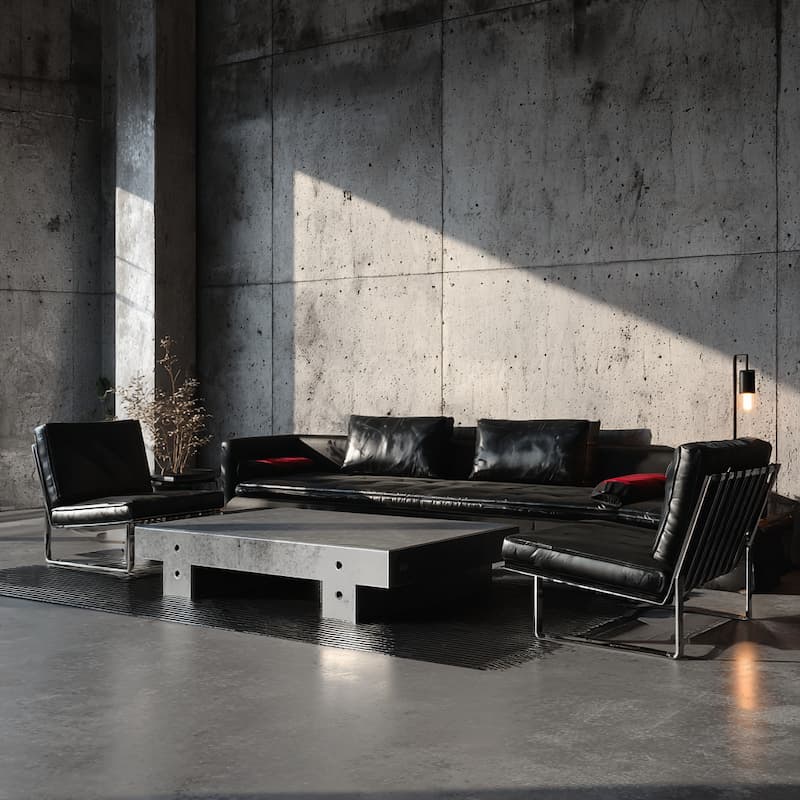
Contemporary Brutalist Interior Design

Minimalist Zig-Zag Chair Design

Minimalist Metallic Sheer Design

Lounge Chair Against Clean Wall
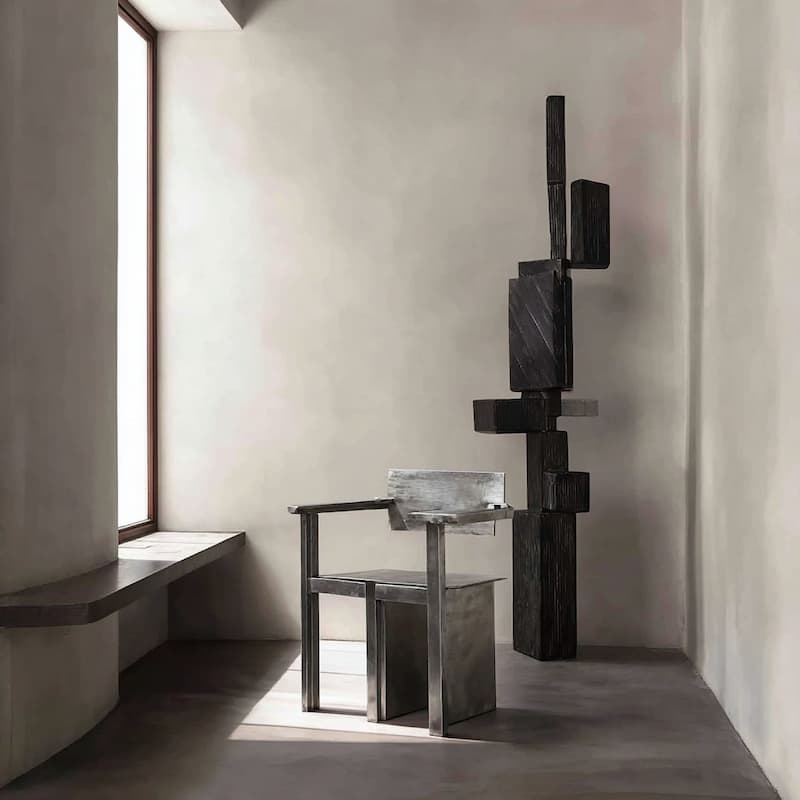
Metallic Chair with Brutalist Design
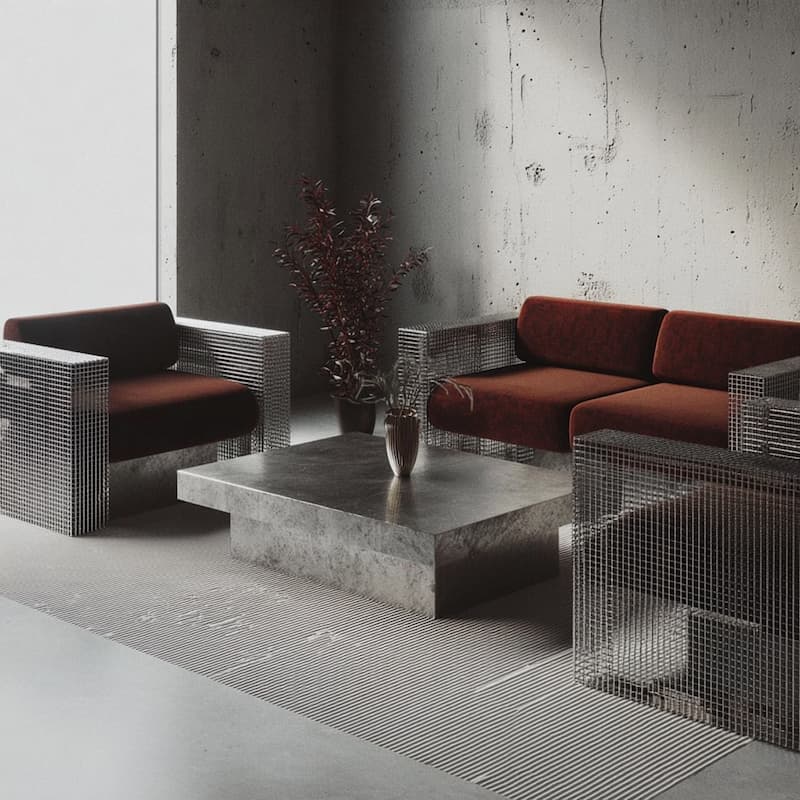
Living Room with Metal Furniture Design
.jpg)
Metallic Brushed Metal Chair Design
Black Leather Furniture Design
Minimalist Interior with Dramatic Lighting
Black Leather Bar Stool with Brass Accents
Black Bar Stool Silhouette Design
Ceramic Brutalist Objects with Spikes
Brutalist Dark Glass Vase Sculpture
Golden Muted Interior with Sharp Lines
Contemporary Brutalist Interior Design
Minimalist Zig-Zag Chair Design
Minimalist Metallic Sheer Design
Lounge Chair Against Clean Wall
Spikey Ceramic Iron Metal Sculpture
Metallic Chair with Brutalist Design
Living Room with Metal Furniture Design
Metallic Brushed Metal Chair Design
- Click any element and restyle it
- Layers, pages and a sitemap of every link
- AI that writes into your own files
- Publish to a link or your own domain
AI Code Generation for Designers
Build a Real Website with Natural Language
Describe what you want in plain text and watch AI write real pages - working layout, links between pages, and any JavaScript the page needs - not just a static mockup.
Visual AI Design Tools
Collaborate with AI on a Visual Canvas
Select any element and choose to edit it yourself or work together with AI. Unlike pure chat-based tools, you maintain full visual control while AI assists with the heavy lifting, creating a seamless collaboration between human creativity and AI capability.
AI Design System Management
Maintain Design System Consistency
AI applies the tokens in your styles.css to every edit, so each page stays on-brand and consistent with the rest of the site instead of drifting.
Design on an Infinite Canvas
Point at what you want. AI knows exactly what you mean.
No more describing "the button in the top right" — just click it. AI is constrained to your design system, so outputs stay on-brand every time.
Instant Visual Feedback
See AI-generated sections appear in real-time
See AI-generated sections appear on the page as you describe them, with immediate visual updates for every change you make
Reusable Partials
AI pulls repeated markup into partials
A shared nav, footer or card is written once into partials/ and pulled into every page that needs it
Global Styles
Define your brand colors, fonts, and spacing once
Define your brand colors, fonts, and spacing once as tokens in styles.css - AI applies them consistently to every page it writes
Responsive Breakpoints
AI builds mobile-first layouts
AI builds mobile-first pages that adapt to any screen size with proper breakpoints and fluid layouts
Layer Management
Navigate your app structure through an intuitive layer panel
Navigate the HTML element tree through an intuitive layer panel - select any element to edit it by hand or hand it to AI
Bring Your Own Page
Upload a page you already have
Upload an HTML page and let AI read its markup and classes, then write new pages that match it
Start Building with AI Today
Frequently
asked questions
Onlook is an open-source, visual editor for websites. It allows anyone to create and style their own websites without any coding knowledge.
Onlook is great for creating websites, prototypes, user interfaces, and designs. Whether you need a quick mockup or a full-fledged website, ask Onlook to craft it for you.
Getting started with Onlook is easy. Simply sign up for an account, create a new project, and follow our step-by-step guide to deploy your first application.
Onlook is free for your first prompt, but you're limited by the number of messages you can send. Please see our Pricing page for more details.
Onlook is a visual editor for code. It allows you to create and style your own creations with code as the source of truth. While it is best suited for creating websites, it can be used for anything visual – presentations, mockups, and more. Because Onlook uses code as the source of truth, the types of designs you can create are unconstrained by Onlook's interface.
Developers have historically been second-rate citizens in the design process. Onlook was founded to bridge the divide between design and development, and we wanted to make developers first-class citizens alongside designers. We chose to be open-source to give developers transparency into how we are building Onlook and how the work created through Onlook will complement the work of developers.