Onlook Features: Design a Real HTML Site on a Canvas
Onlook is a visual design canvas for static websites. Edit real HTML pages on an infinite canvas, with no build step between an edit and what the preview shows. AI is held to your design tokens — no brand drift, no throwaway code.
Key Features
- Your real pages — edit the .html file that ships, not a mockup of it
- AI constrained to your theme — follows the tokens in styles.css
- Built for teams — invite teammates to a project by email
- Built-in code editor — open and edit the real files behind any element
- Canvas manipulation — drag, resize, arrange elements visually
- Layer management — navigate the HTML element tree of every page
- Version history — roll back to any previous version
- Bring your own page — upload an HTML page and edit it as it is
- Publish and export — deploy to a preview link or your own custom domain
Front-End Design
Design a Real Website on a Canvas
Upload a page, or start from a prompt. Edit it on the canvas. Publish it.
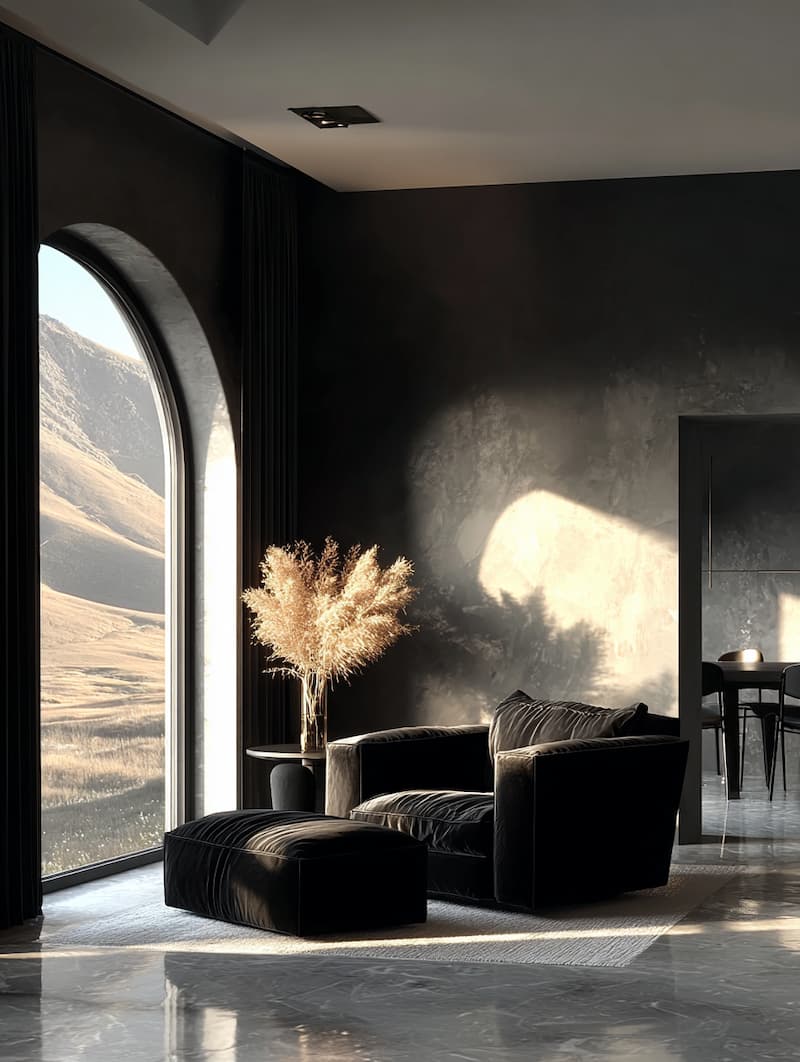
Minimalist Interior with Dramatic Lighting
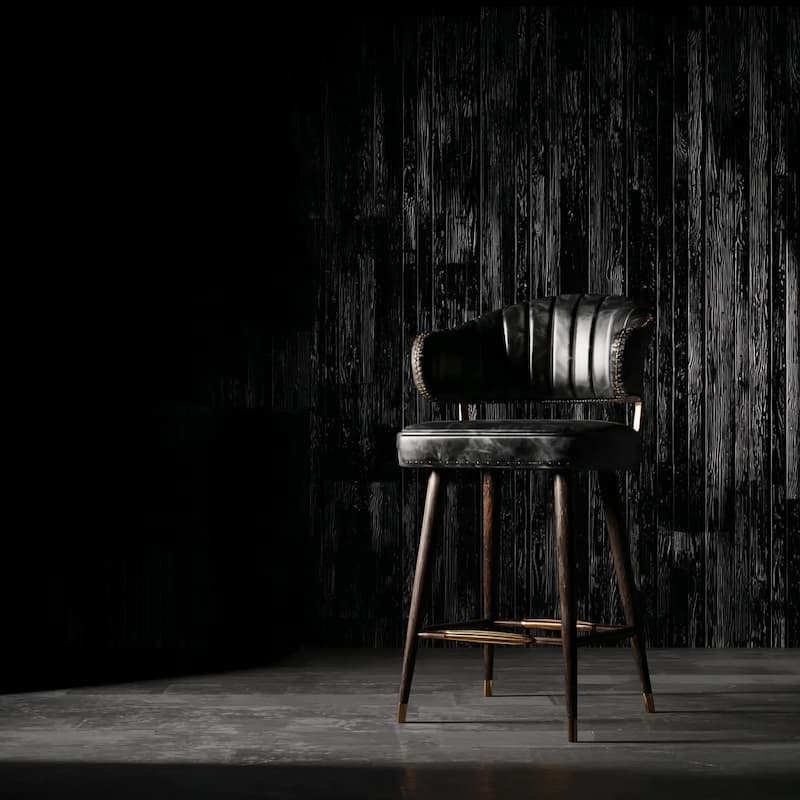
Black Leather Bar Stool with Brass Accents

Spikey Ceramic Iron Metal Sculpture
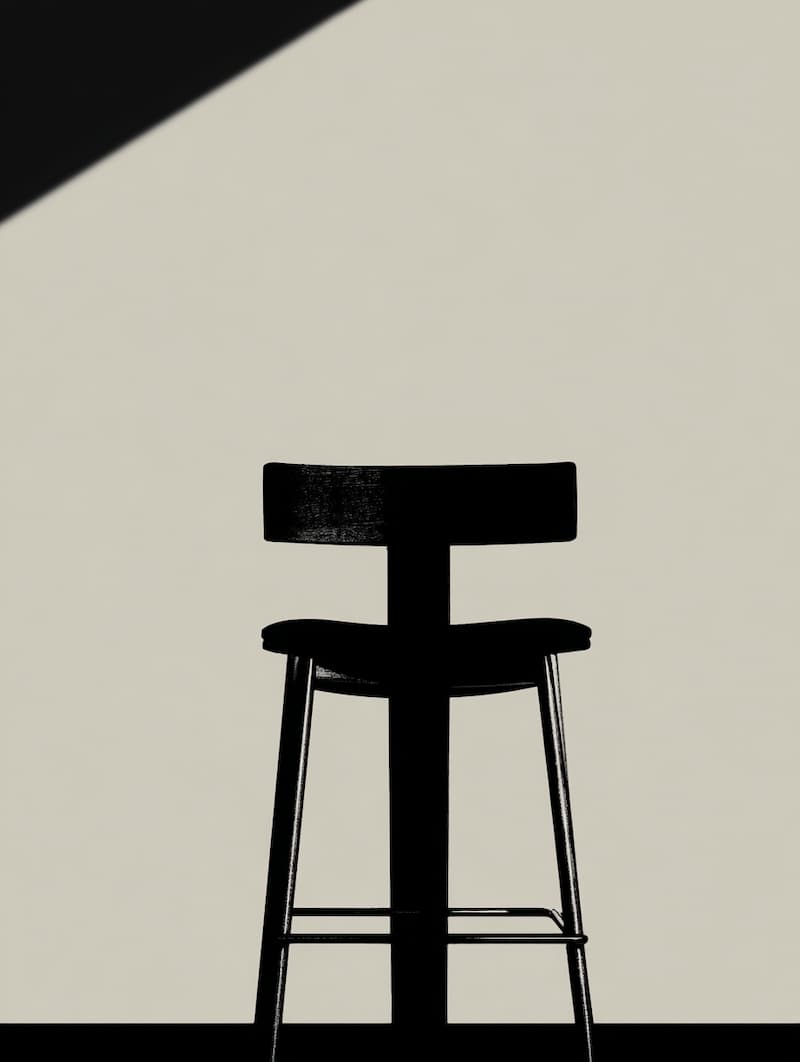
Black Bar Stool Silhouette Design

Ceramic Brutalist Objects with Spikes

Brutalist Dark Glass Vase Sculpture

Golden Muted Interior with Sharp Lines
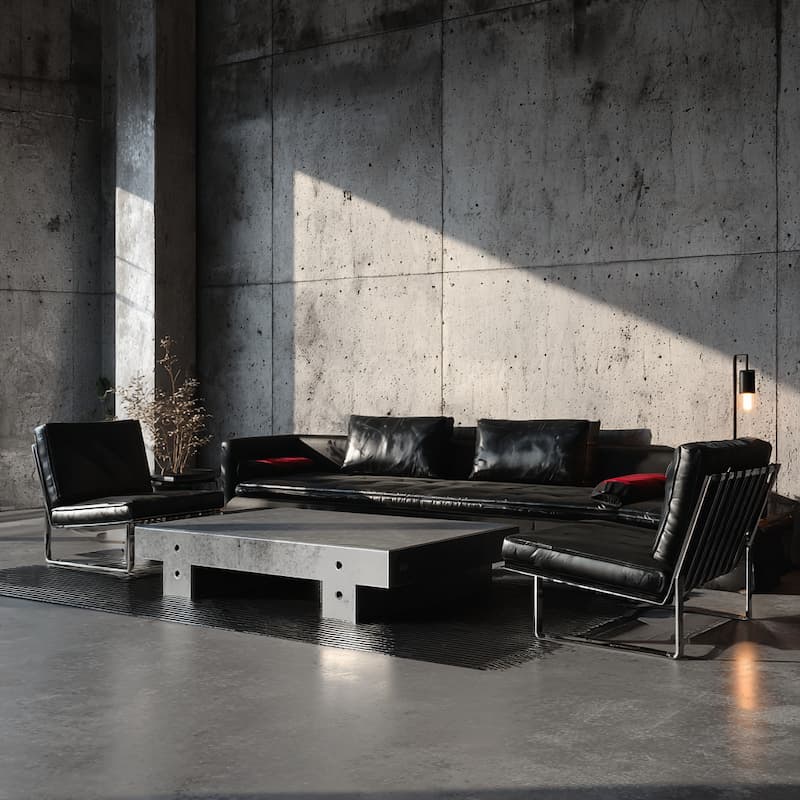
Contemporary Brutalist Interior Design
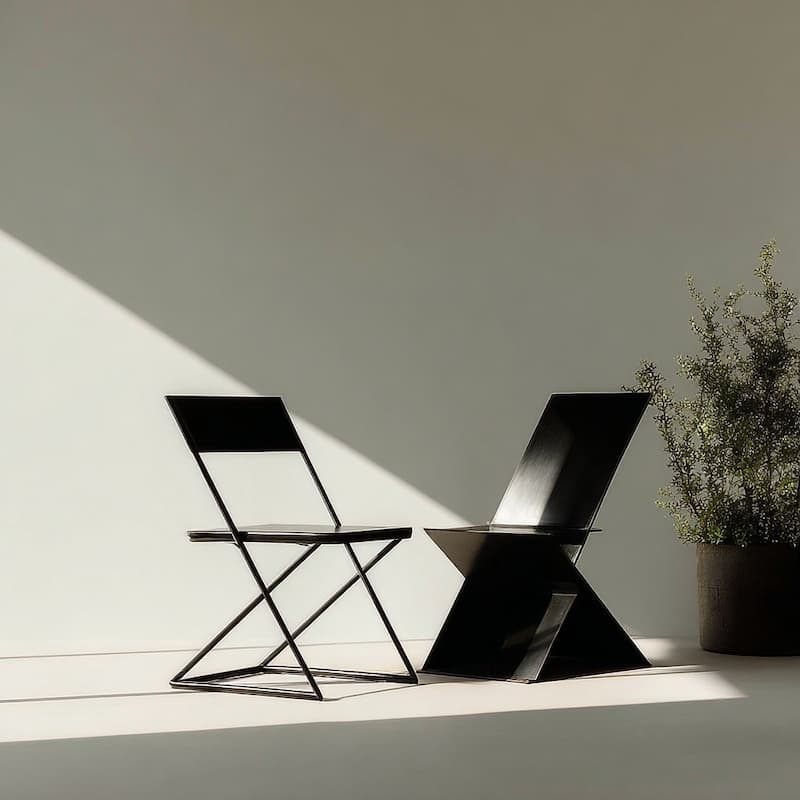
Minimalist Zig-Zag Chair Design
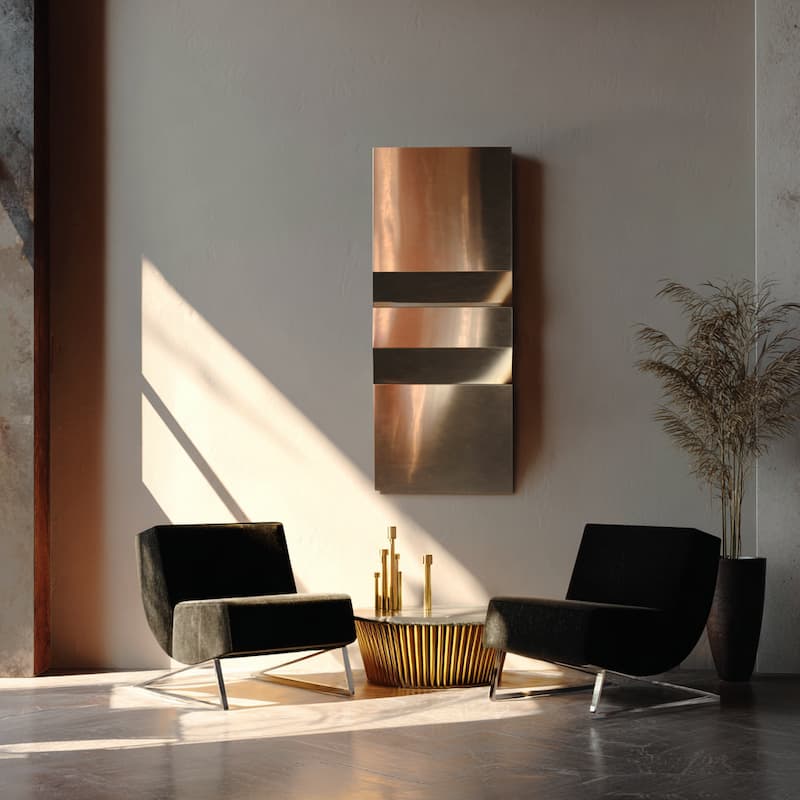
Minimalist Metallic Sheer Design
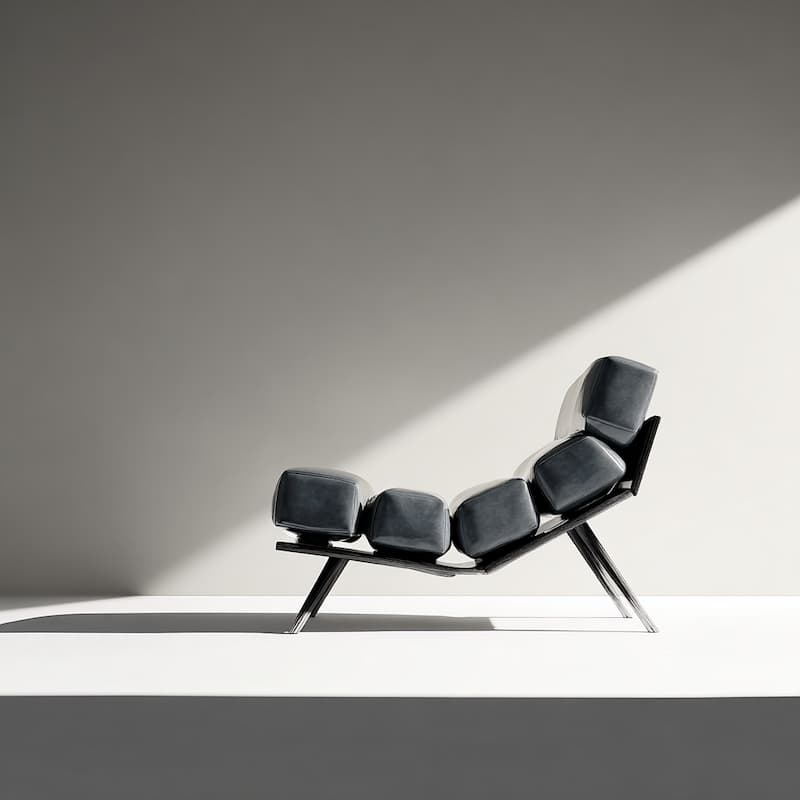
Lounge Chair Against Clean Wall
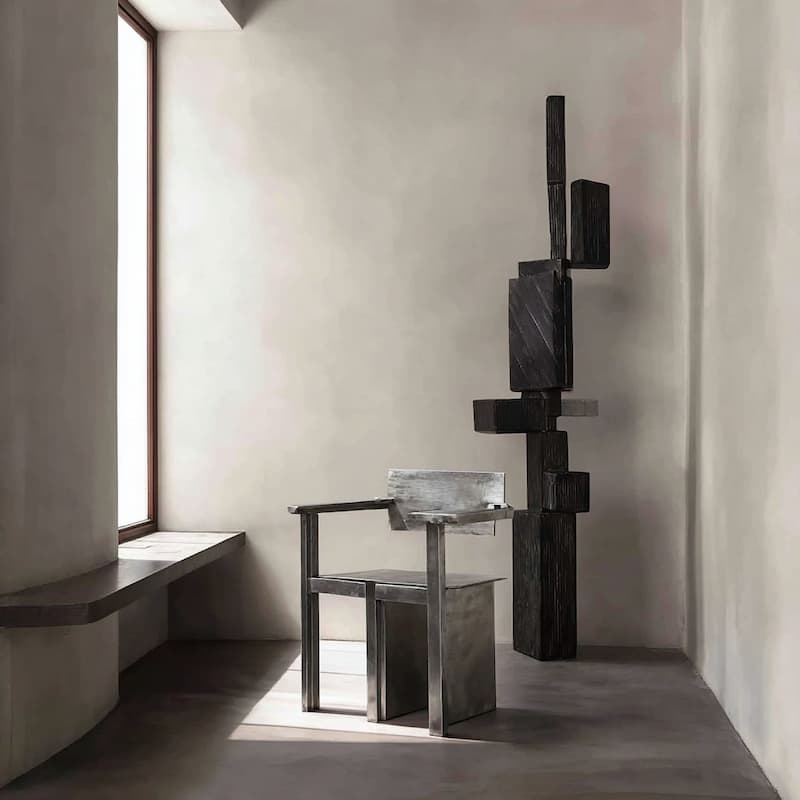
Metallic Chair with Brutalist Design
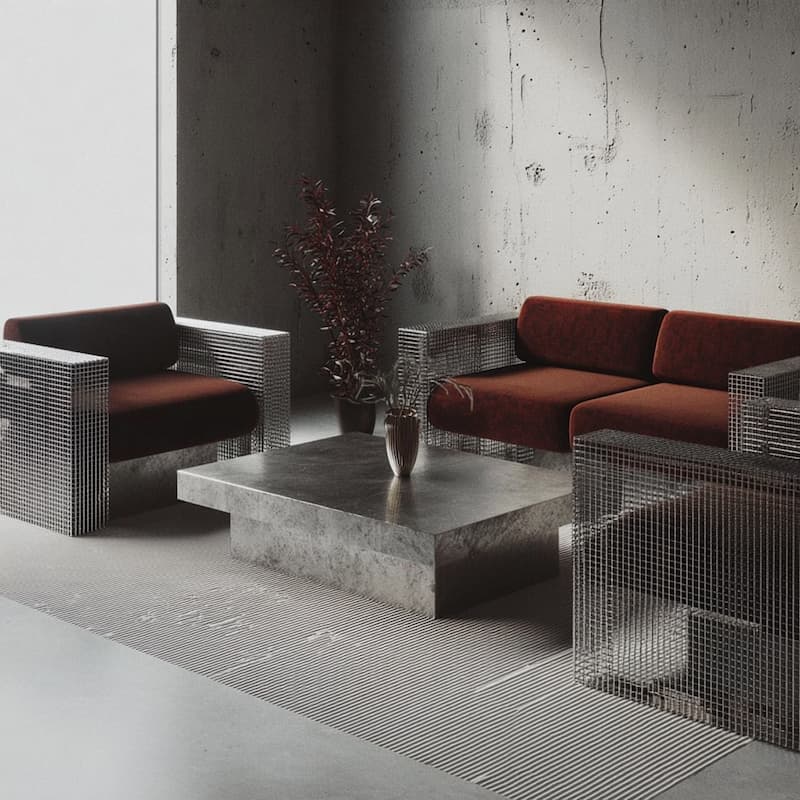
Living Room with Metal Furniture Design
.jpg)
Metallic Brushed Metal Chair Design
Black Leather Furniture Design
Minimalist Interior with Dramatic Lighting
Black Leather Bar Stool with Brass Accents
Black Bar Stool Silhouette Design
Ceramic Brutalist Objects with Spikes
Brutalist Dark Glass Vase Sculpture
Golden Muted Interior with Sharp Lines
Contemporary Brutalist Interior Design
Minimalist Zig-Zag Chair Design
Minimalist Metallic Sheer Design
Lounge Chair Against Clean Wall
Spikey Ceramic Iron Metal Sculpture
Metallic Chair with Brutalist Design
Living Room with Metal Furniture Design
Metallic Brushed Metal Chair Design
- Click any element and restyle it
- Layers, pages and a sitemap of every link
- AI that writes into your own files
- Publish to a link or your own domain
AI That Understands Context
AI Constrained to Your Theme
Reference images, designs, and docs in chat. AI sees what you see — no more explaining from scratch. Edits follow the tokens in your styles.css. No drift, no off-brand results.
Canvas Manipulation
Design on an Infinite Canvas
Drag, resize, and arrange elements directly on the canvas. The HTML is rewritten as you go, with no build step in between. Point at what you want. AI knows exactly what you mean.
Design System Guardrails
Your Colors, Fonts, and Tokens
Your palette, type scale and spacing live as tokens in styles.css, editable from the design panel. AI is held to them on every edit. No drift, no off-brand pages.
Native Design Tool Features
Familiar to Designers. Trusted by Engineers.
A canvas that feels intuitive, with real HTML and CSS underneath. What you draw is the file that ships — no handoff, no rebuilding.
Your Real Pages
Edit the file that ships
Every page is a real .html file on disk. Select an element on the canvas and the markup behind it is what changes — nothing is regenerated later.
Built for Teams
Invite your teammates
Invite people to a project by email. Everyone works on the same site.
Publish & Export
Ship it, don't hand it off
Publish to a preview link or your own custom domain in one click — or export the site as ordinary files and host it anywhere.
Layer Management
Navigate your markup
See the HTML element tree of every page in a visual layer panel. Click any layer to select it on the canvas. No more hunting through markup.
Bring Your Own Page
Upload and start editing
Upload an HTML page you already have and edit it as it is. No conversion, no build step, no migration.
Version History
Never lose your progress
Onlook automatically saves project snapshots. Experiment with confidence — roll back to any previous version with one click.
Frequently
asked questions
Onlook is a visual design canvas for static websites. Designers arrange elements of a real .html page on an infinite canvas and make changes visually — every edit is written straight into the file, no coding required.
Traditional design tools create mockups that must be rebuilt in code. Onlook works on the real page — what you design IS the HTML that ships, not a handoff spec.
AI generators create new code from scratch. Onlook holds AI to the tokens in your styles.css, so new pages match the ones you already have. No translation, no drift.
No. Designers use a visual canvas with familiar tools. Real code runs underneath — you don't need to touch it unless you want to.
Yes. Save a version before a big change, and roll back to any earlier version of the project from the version history whenever something goes wrong.
Static HTML sites — plain .html, .css and .js with no build step. Style with Tailwind through its browser build, or with your own CSS tokens in styles.css.